Do you know what your agents can do and what they actually did?

See what agents can access and what they did across connected systems. Find what exceeds approved scope and choose corrections that preserve legitimate work.

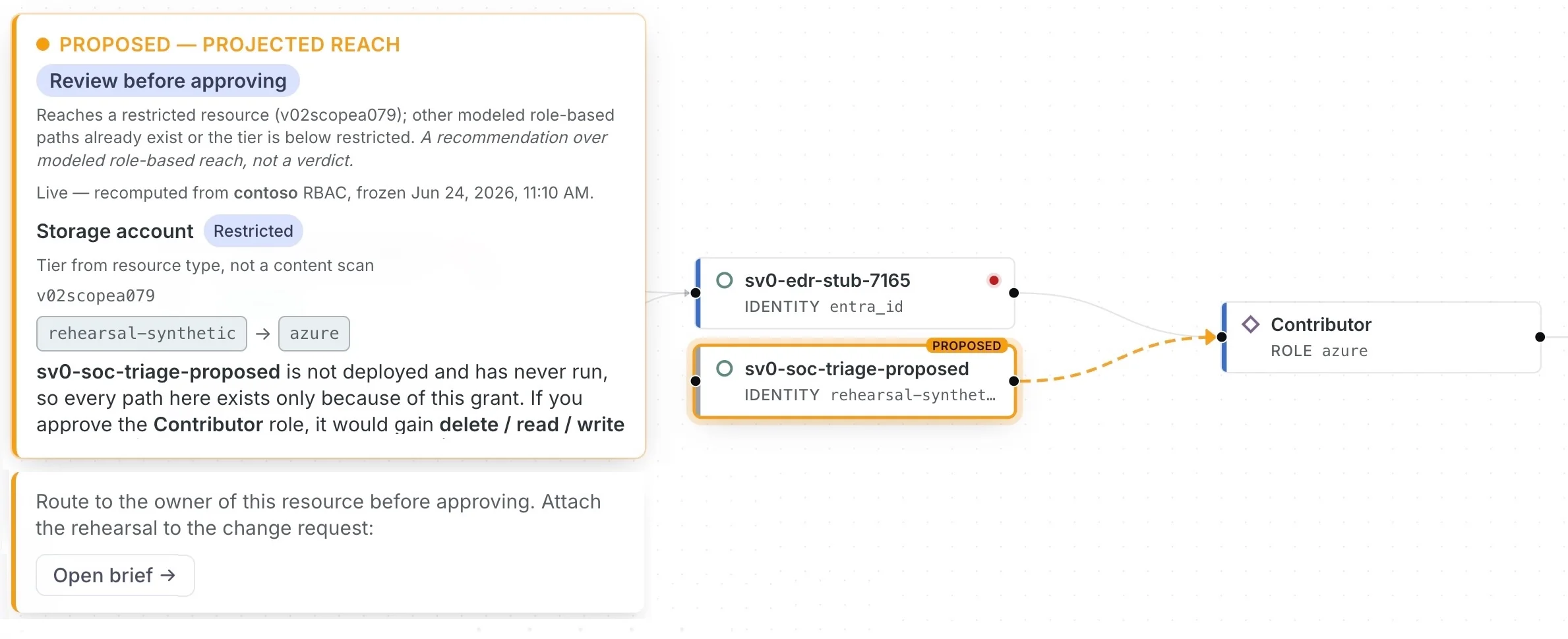
Demo agent access decision showing approved scope, new production reach, a supported correction, and modeled impact

Compare the approved job with actual reach and actions.

Bring the agents across your connected environment into view. Understand what each was approved to do, what its access allows, and what it has actually done.

What you approved

The permitted job, systems, and actions, grounded in specifications, policies, or approval from the accountable owner.

What it can do

Its reach across systems through identities, permissions, tools, and connections, including access beyond the approved job.

What it actually did

The actions recorded in available evidence, compared with the job you approved.

See which conclusions are supported by observed activity, which rely on inferred relationships, and where evidence is missing.

Find the drift that matters

When access or behavior moves beyond the approved job, identify the gaps with production or data consequences. Decide what needs to change and what legitimate work must keep running.

Know where reach or behavior exceeds approved intent.

Prioritize the gaps with production or data consequences.

Decide what needs control and what must keep working.

Example decision · Modeled impact

Remove production booking data from FinOpsToolExecutionRole.

Why: Production booking data became reachable outside the approved cost-analysis scope.
Expected to stop: Production booking-data access through the role.
Expected to preserve: Approved billing and cost-analysis access.
Disposition: After approval, initiate the work through the supported customer workflow.
See how to model the correction →

Correct drift and keep it controlled

Govern the action, not the login. Take the smallest approved action through customer systems, preserve legitimate work, and continuously respond as authority changes again.

01

Choose the correction

Decide which supported change addresses the consequential gap.

02

Preserve legitimate work

Rehearse the change to understand expected impact, remaining reach, and evidence gaps.

03

Act through your systems

Initiate approved work through supported customer workflows. Your authorized teams apply the control.

04

Keep authority governed

Reassess connected evidence as permissions, tools, behavior, ownership, or approved intent change.

See what your agents can do. Decide what needs to change.

Connect the relevant platforms, compare agent reach and activity with approved purpose, and review the correction for a consequential gap.